Sites
To enable Logfly to automatically locate your take-off location, it uses a site file.
When incorporating the track into the logbook, Logfly searches for the takeoff site using the coordinates of the first point in three stages:
- Search in the site file
- Not found -> search on Paragliding Earth. Create a site page with the name defined in Paragliding Earth.
- Not found -> create a site page with a generic name in the form Site No X (to be renamed)
Name Change
The most efficient solution is to proceed from the flight logbook. Click on Change Site option in context menu.
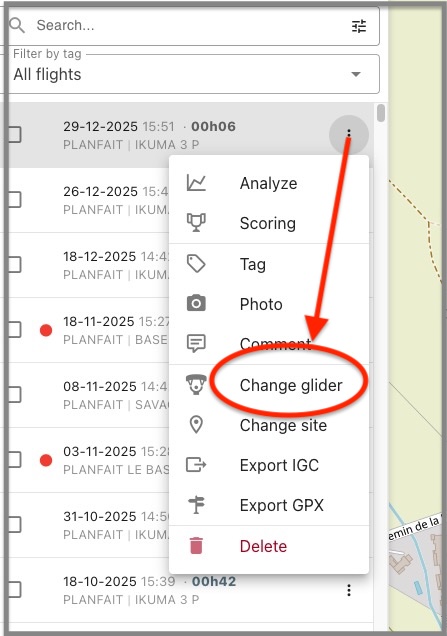
This is the most efficient method because when changing the site of a flight, all flights with exactly the same name will be automatically updated. For more details, see Change Site
Site file management
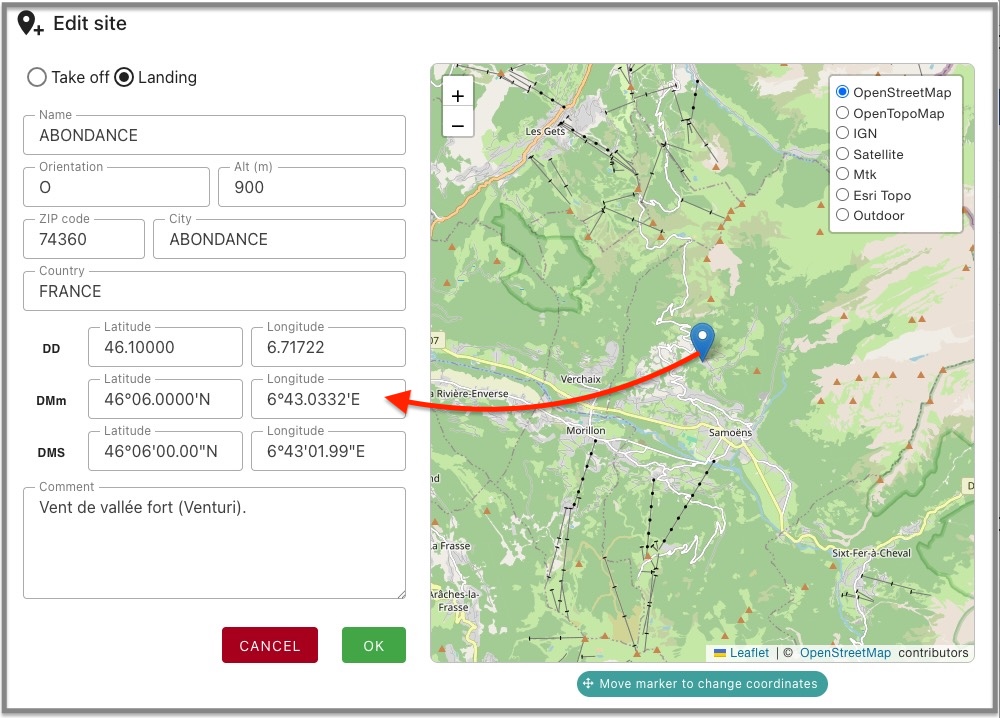
You can create a site manually or modify an existing one to add details such as commune, country, etc.
Coordinate entry is interactive:
- Move the marker on the map to update the coordinates in all three formats
- Enter coordinates in any of the three formats to update the map