Markers
Regardless of the route, it is possible to add markers to the map.
They can indicate particular points of interest: landing, known thermals, etc... or simply be references during the drawing of the route.
Add
To place a marker, click on the button  .
To add another marker, click again on the button .
Move
Click and hold while moving
Delete
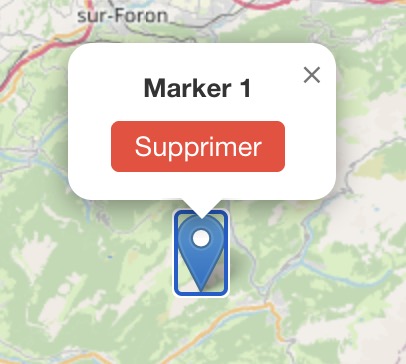
Click on the marker, in the popup, click on the red Delete button.
Save
These markers can be embedded or not in the file intended for the navigation instrument. See the page Save.