Smartphone Transfer
Blip is an application for transferring files between Mac, Windows, Linux, Android, and iOS. It's as simple as Airdrop or Nearby Share and is completely cross-platform. There are no size limits, so you can send very large files.
- Download the application
- Enter your email address
That's it, or almost!
On the smartphone or another device, install the application and enter the same email address.
Computer
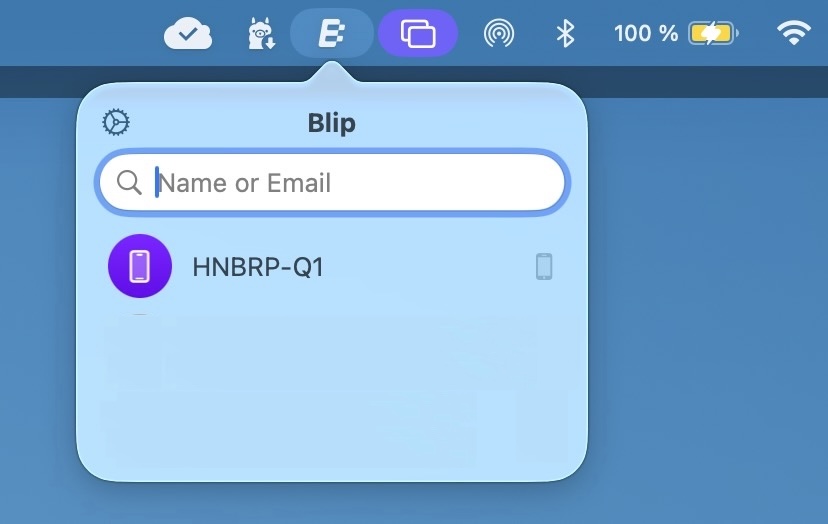
When you click on the Blip icon, the phone appears in the list of recipients. In this example, HNBRP-Q1
Smartphone
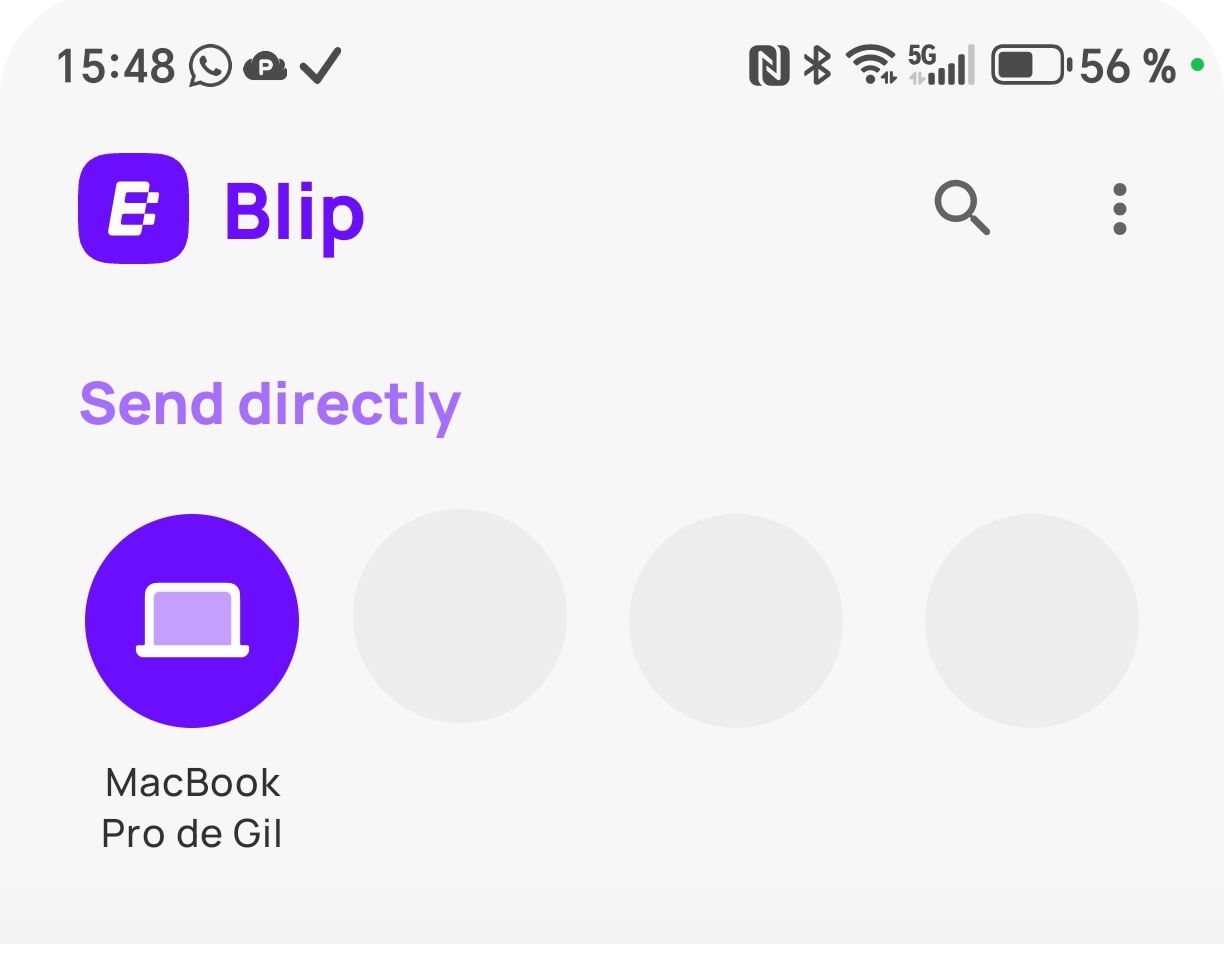
When the Blip application is launched, the computer appears in the list of recipients.
Sending a file
Simply click on the recipient.
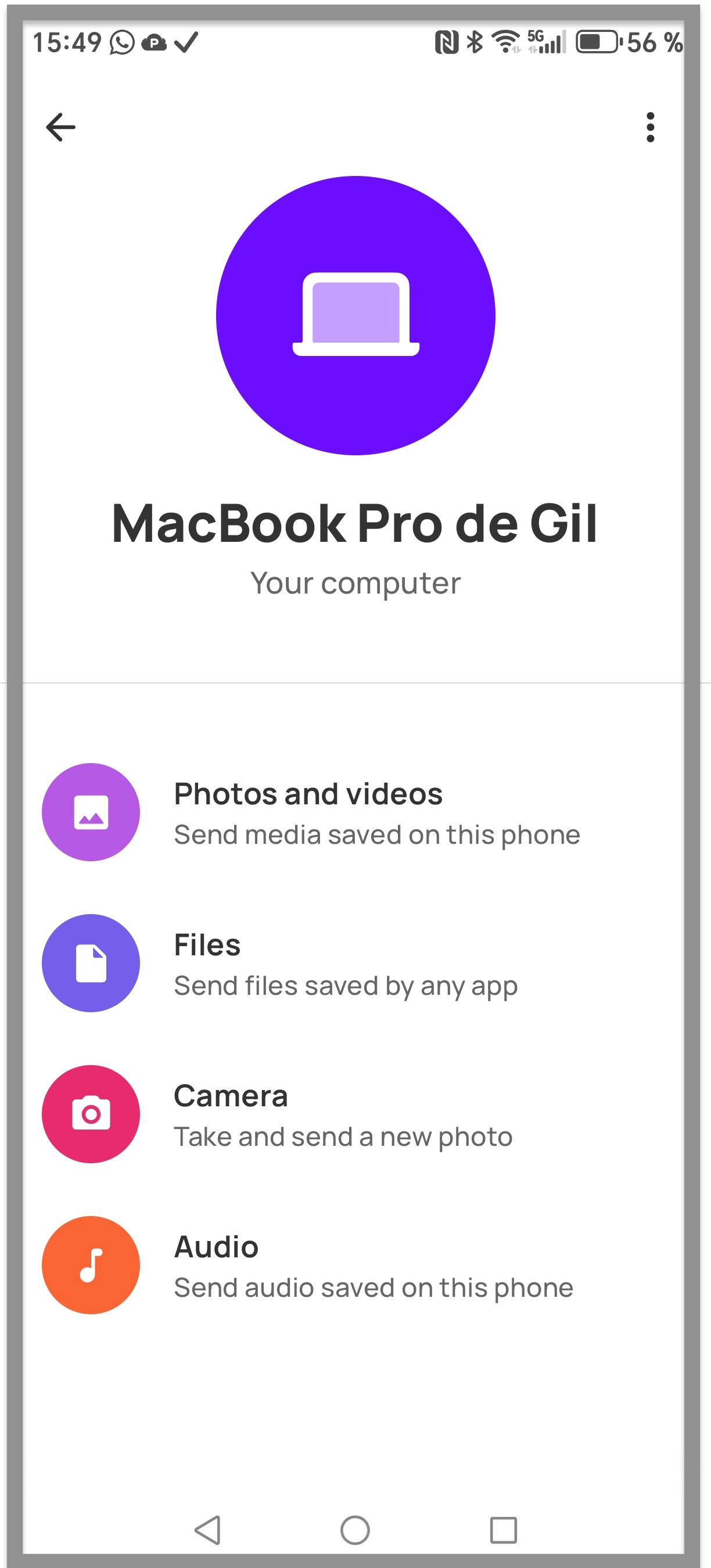
On a smartphone, when you click on the computer in the list of recipients, a file selector appears.
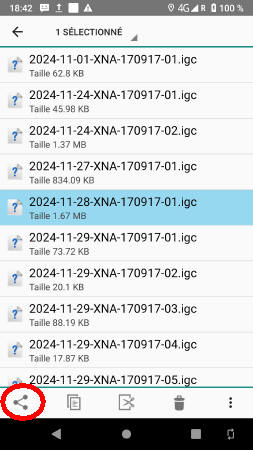
Navigate to the file you want to transfer, select the file, and click the Share option.
Select Blip from the list.
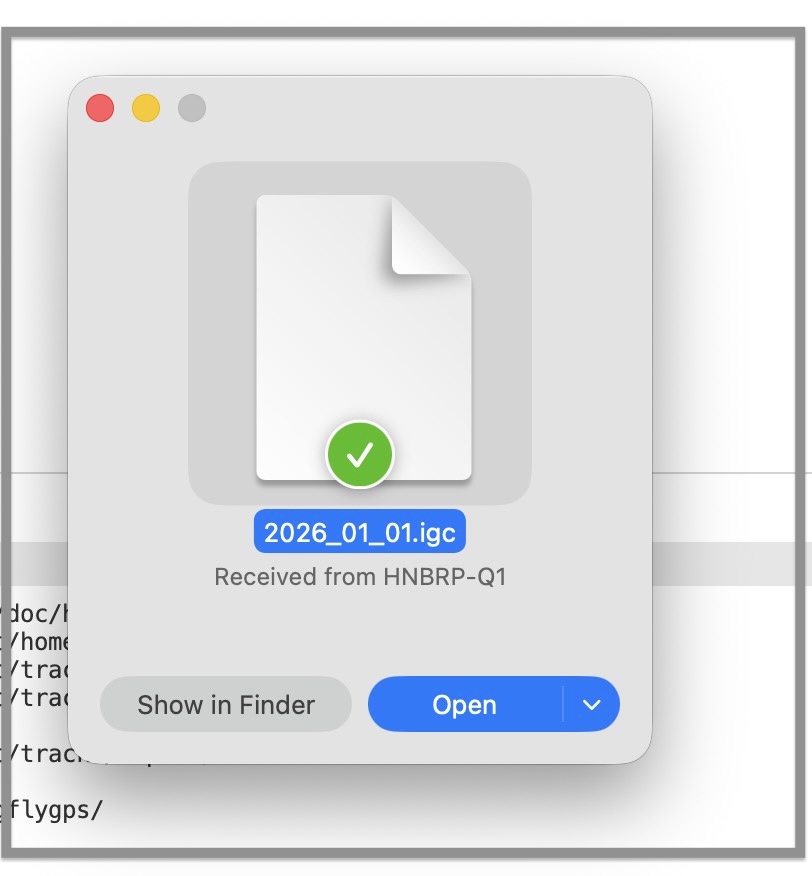
It's done... A notification will appear on the recipient's computer.
Sending to an external recipient
Blip works with external recipients. If you want to send a file to a friend, type their address in the Name or email field. If Blip has been installed, the transfer will be immediate.
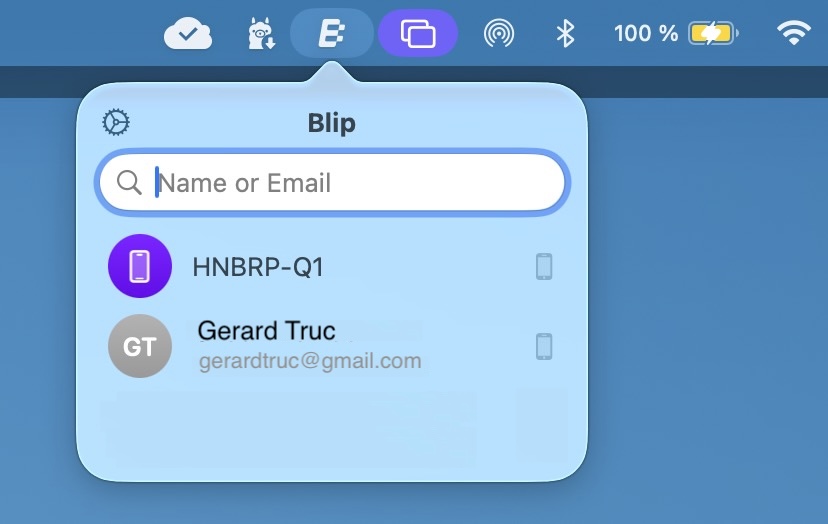
After a successful delivery, the recipient's address is added to the list for future use.