Flymaster Drivers
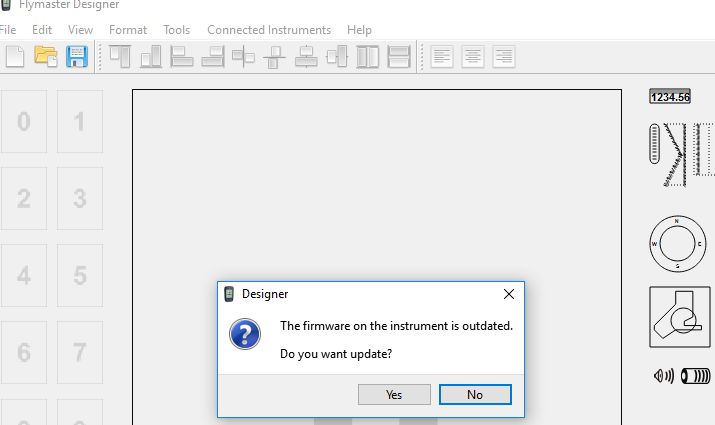
Flymaster devices have undergone several series of production using different communication protocols. The Flymaster website no longer appears to offer standalone communication drivers. You can download Flymaster Designer with included drivers. Problem: This will not work with the first generation (B1/B2).
The FTDI website offers the latest versions for all operating systems at FTDI.
Installation on Windows
- Download 32-bit or 64-bit version
- Decompress the downloaded zip file into a folder
- Connect the Flymaster
- Go to Control Panel and select Device Manager
- The Flymaster is not recognized
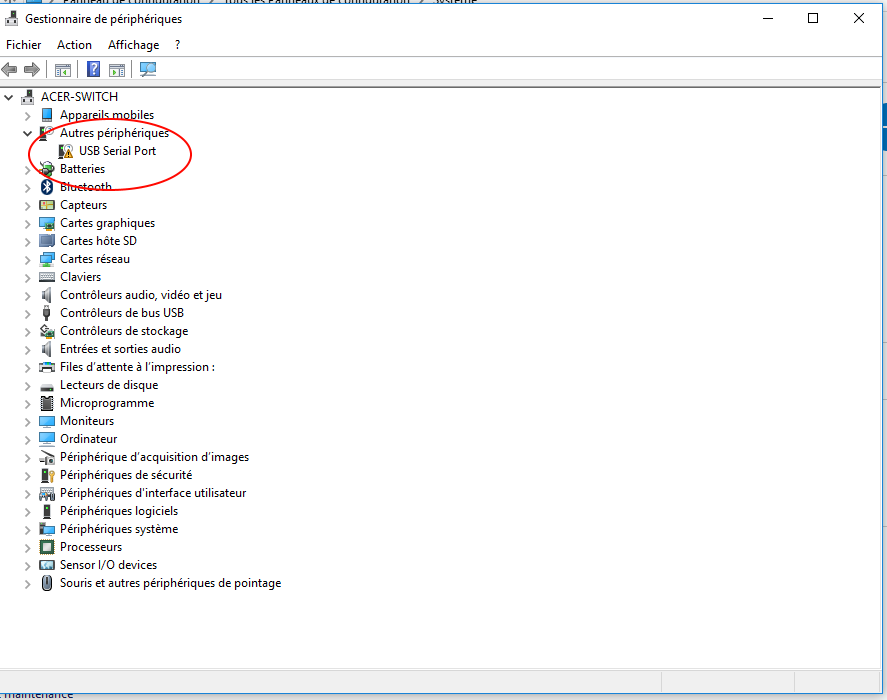
- Right-click on the USB Serial Port line in Device Manager with the Properties panel
- Select Update Driver
- Choose Search for updated driver software on my computer
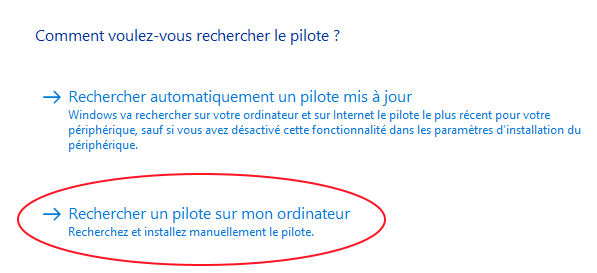
- Select the folder containing the decompressed driver
- After a few seconds, you should see this message
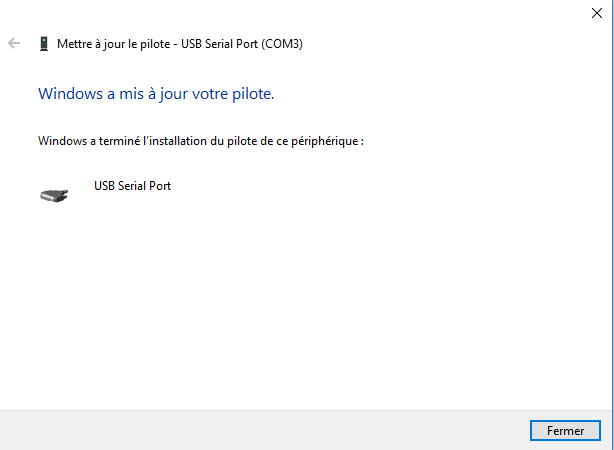
The device list should automatically update. The USB Serial Port line disappears and a new line for USB Serial Port (COMx) appears in the Ports (COM and LPT) section.
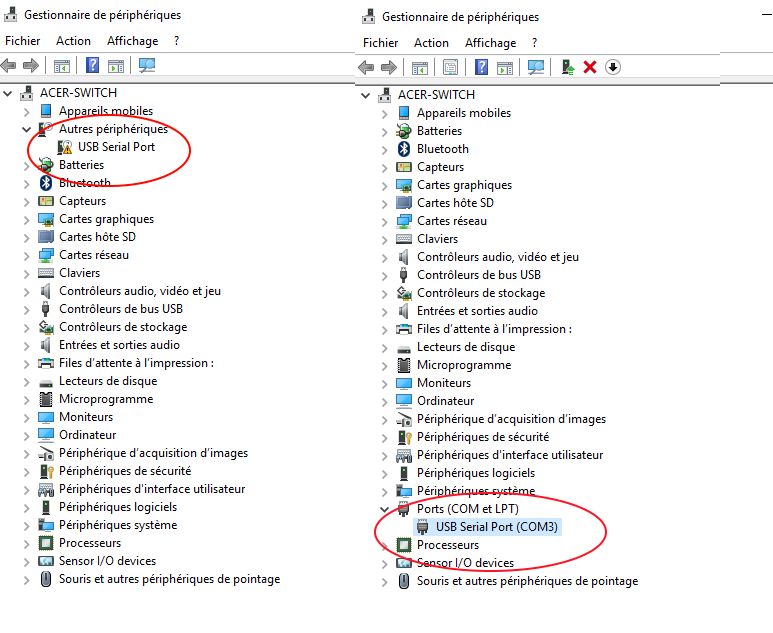
The GPS is now recognized by Logfly or Flymaster Designer
Installation on MacOS
- Download the x64 (64-bit) Mac OS X 10.9 and above version
- Click on the dmg file obtained
- Click on the pkg to launch the installation