Photo
Add a Photo
- Click on the Add a photo button in the About tab
- Click in the Choose a photo area
- Select the photo with the file selector
- Validate in the preview window
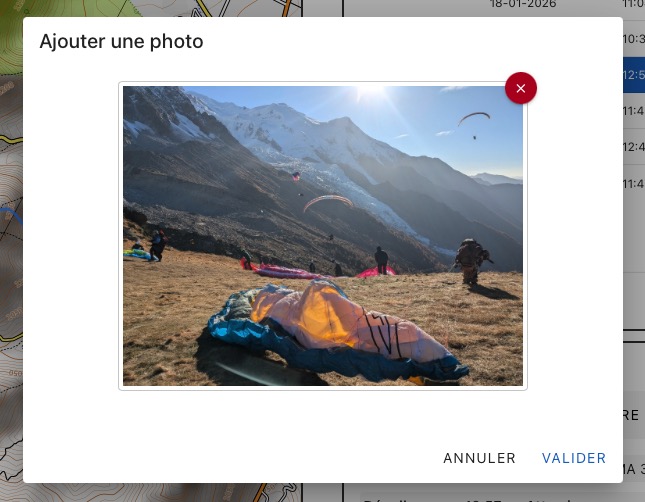
The photo is copied and stored in the flight log. The original remains at its location.
Display Photo
Click on the Camera icon in the first column of the flight list